
Try the exercises in VCC Plus. Example links download files here; open them in the app to work beside the emulator.
41 pages · VCC Plus 3.7.1 · Keep a copy to read or print.
At the CoCo workbench
Software, Storage,
and Peripherals
Put one line of BASIC on a floppy. Carry the disk to an SD card. Record it on tape. Then change one copy and prove that the original still works.
Start reading →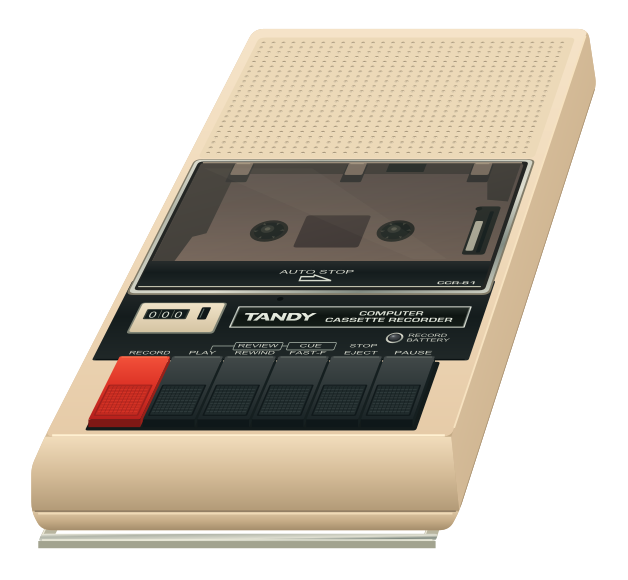
Contents
Follow CARGO from one device to the next, or choose the equipment on your desk. The practice files are in Appendix A.
- 01
Put a program somewhere
Follow CARGO from RAM into a floppy image and read it back after clearing the machine.
- 02
Take the same disk to an SD card
Open that same floppy on a CoCo SDC. Tell the card directory from the files on its mounted disk.
- 03
Find the floppy behind drive zero
Give a hard-disk volume a marker, switch to the floppy and find out which device answers as drive zero.
- 04
Record a program you can rewind
Record CARGO, export a cassette and find the program on a fresh pass through the tape.
- 05
Choose what goes in the slot
Trace the startup switch and live routes through a Multi-Pak. Choose the slot that supplies your program.
- 06
Install, play, and come home
Choose an edition, read its loading notes and decide what to install, what to run and what to keep.
- 07
Send a receipt, a tune, or a voice
Send a receipt to the printer, play a piece in stereo and give your CoCo a voice.
- 08
Leave the original just as you found it
Protect an original, save your changes separately and prove which copy you have after restarting.
- A
What have I got?
Save the practice media, identify an unfamiliar file or diagnose a failed load.
- B
Beside the original hardware
Find the historical hardware manuals and take the next step with an offline lesson.
Search this book
Find matching sections in this book. This search runs in your browser; every keyword must match.
Original VCC Plus manuals © 2026 Brian K. Holman. Third-party references retain their authors’ copyrights and licenses. Artwork notices. Edition 3.7.1; source and export identity. Printable edition: PDF source and export identity.