
Find a disk to try.
Open the disk-only view of the same Software Library maintained by VCC Plus. Keep loading guidance and Color Computer Archive attribution close by.
DriveWire for VCC Plus
Keep the keyboard you know. Let your Mac host the disks. DriveWire for VCC Plus connects a compatible physical Color Computer to disk images on your Mac, with a native interface for the work around it.
Separate Mac app · macOS 14+

From an image to a real machine
Choose a disk image, connect a compatible CoCo, and use the machine’s DriveWire-capable software to access it.
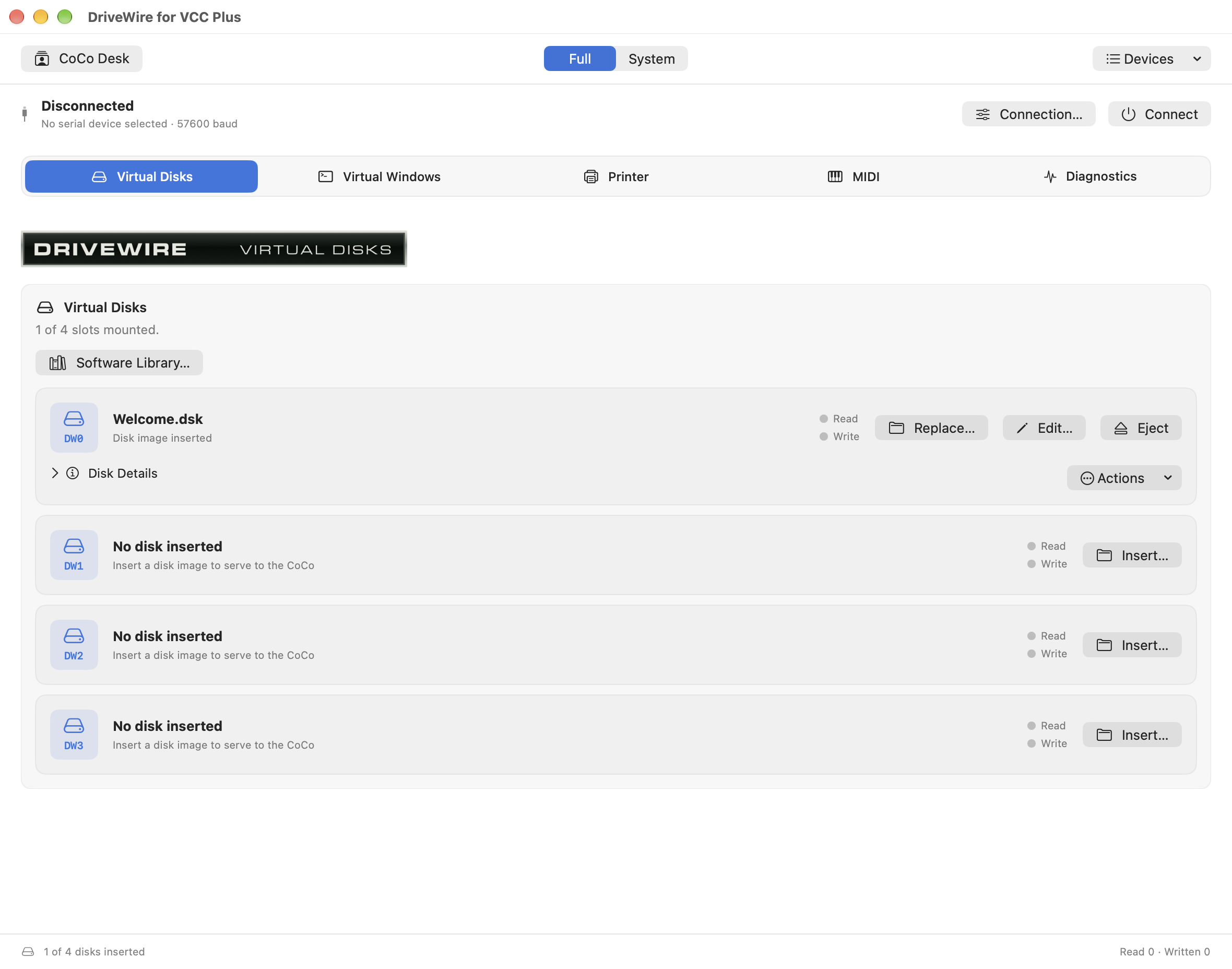
System view gives you clickable disk bays and connection controls. Full view brings together disks, virtual windows, printer, MIDI, and diagnostics. Switching views keeps the same session.
Built on DriveWire by Boisy Pitre and its contributors. Native Mac design by Brian Holman, sponsored by Dezota LLC.
Better together
Install the matching VCC Plus version to add shared disk tools. Ordinary DriveWire hosting can work independently.
Open the disk-only view of the same Software Library maintained by VCC Plus. Keep loading guidance and Color Computer Archive attribution close by.
Use the shared Disk Image Editor for supported DECB and OS-9 images. Import or export files and inspect folders and disk information.
From a VCC Plus floppy’s Actions menu, send current disk bytes to an already-running serial DriveWire session. The receiver gets its own writable copy.
The two apps don’t share one writable mounted image. Sending a disk doesn’t transfer a running emulator session to physical hardware. Stop real-CoCo disk activity before editing, and reset the physical CoCo after applying changes.
Before you connect
DriveWire is a disk host. Your physical computer still needs compatible software and a suitable connection.
Apple Silicon or Intel. Both apps support macOS 14 or later.
Use DriveWire-capable software or firmware suitable for your model and setup.
A suitable DriveWire cable and Mac serial interface for a serial setup. Check the requirements of your particular hardware.
Optional for ordinary hosting; needed for the integrated editor and disk Software Library.
The DriveWire guide
Follow serial and network setup, personal profiles, disk hosting, and the shared disk tools. Read the complete DriveWire manual online, or keep its standalone PDF beside your physical CoCo.
Read the DriveWire manual