
Get your first reply.
Meet the Color Computer and its history, then discover input and output. Give BASIC an instruction, build a little quiz, and save something you can open tomorrow.
Start with two linesFor the first time. Or the first time in years.
You don’t need to understand the whole machine before you begin. Start with a reply on the screen. Follow one small change. Let the next question take you a little further.
Meet the Color Computer and its history, then discover input and output. Give BASIC an instruction, build a little quiz, and save something you can open tomorrow.
Start with two linesRemember drive zero? Mount a practice disk, explore the Multi-Pak, and see how your CoCo habits fit a Mac.
Meet Back at the CoCoTry C or assembly, inspect a register, explore memory, or see what changes when a program runs under OS-9.
Go closer to the machineThe same building blocks, close enough to see
Type PRINT and watch the reply appear. Your keystrokes were input. The reply is output.
Count through a loop. What number will appear next? Change the limit and try again.
Ask a friend which planet to visit. A program can respond to the person at the keyboard.
Pause the machine. Find a variable or a byte in memory. Compare what you expected with what happened.
THE INSTRUCTIONS
10 PRINT "HELLO, COCO!"
20 END
THE REPLY
The CoCo is waiting for your instruction.
This small browser example illustrates BASIC. The full Color Computer runs in the Mac app.
Around the same keyboard
A child can choose the message. A parent can help type the quotation marks. A teacher can ask what will happen when a number changes. A seasoned programmer can follow the instruction that makes it happen.
You can approach this machine at different ages and different depths. The useful beginning is a small question you can answer together.
Choose a book to explore together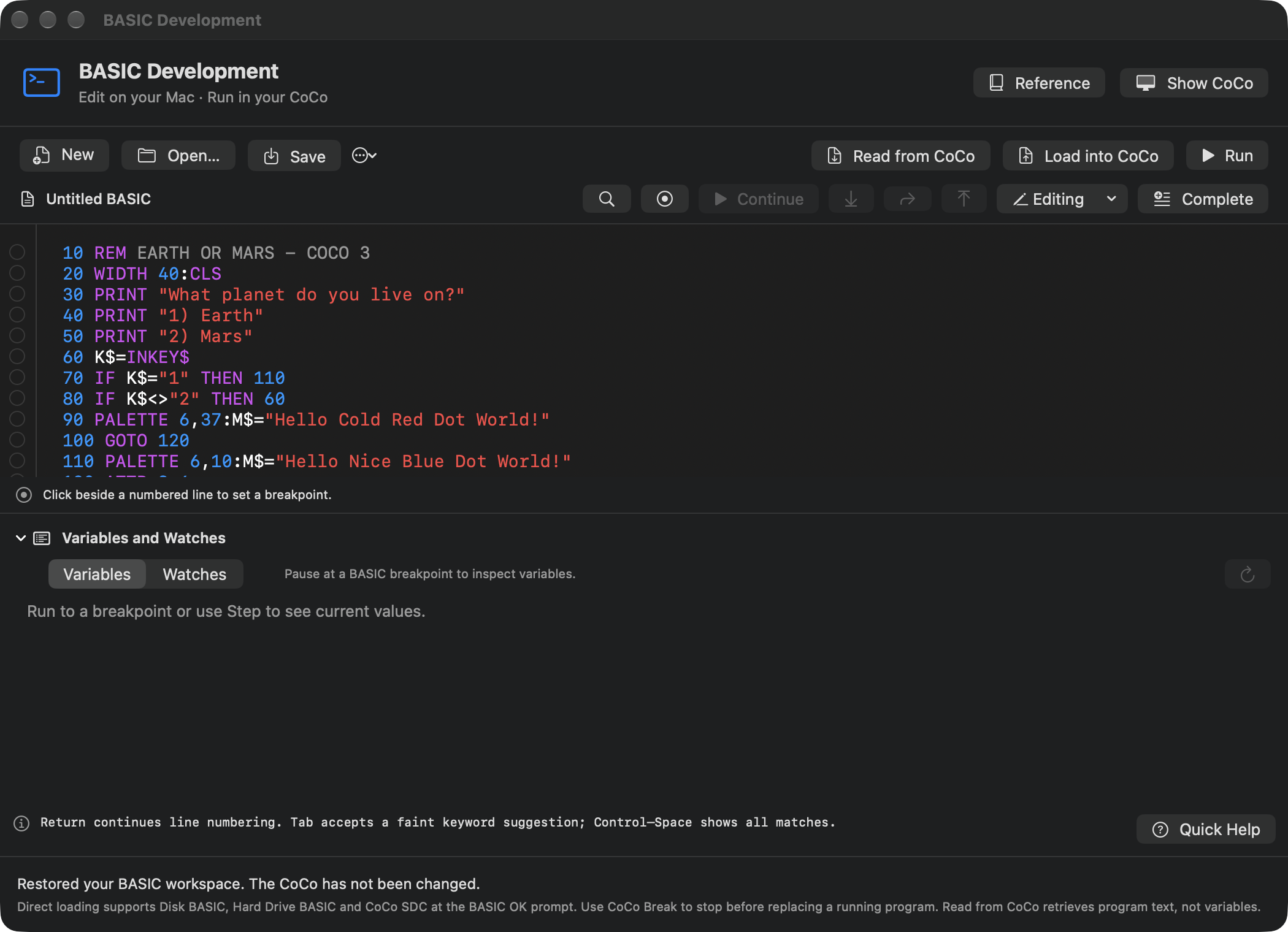
Vibe coding, with room to understand
Describe a game in ordinary words. Ask ChatGPT for a small BASIC, C, or assembly program. Review the proposed source, run the approved version, and see what the CoCo actually does.
AI can help you get started. The machine gives you a place to test the answer. When the result is unexpected, a manual, a breakpoint, or a look at memory can turn the surprise into the next lesson.
Explore Vibe Coding with ChatGPTRequires a supported ChatGPT for Mac connection and your chosen project permissions. AI output needs review; it can be wrong. The rest of VCC Plus works independently.
The VCC Plus product guide takes you through BASIC, C, assembly, debugging, media and the complete AI vibe coding workflow.