
 Book 1
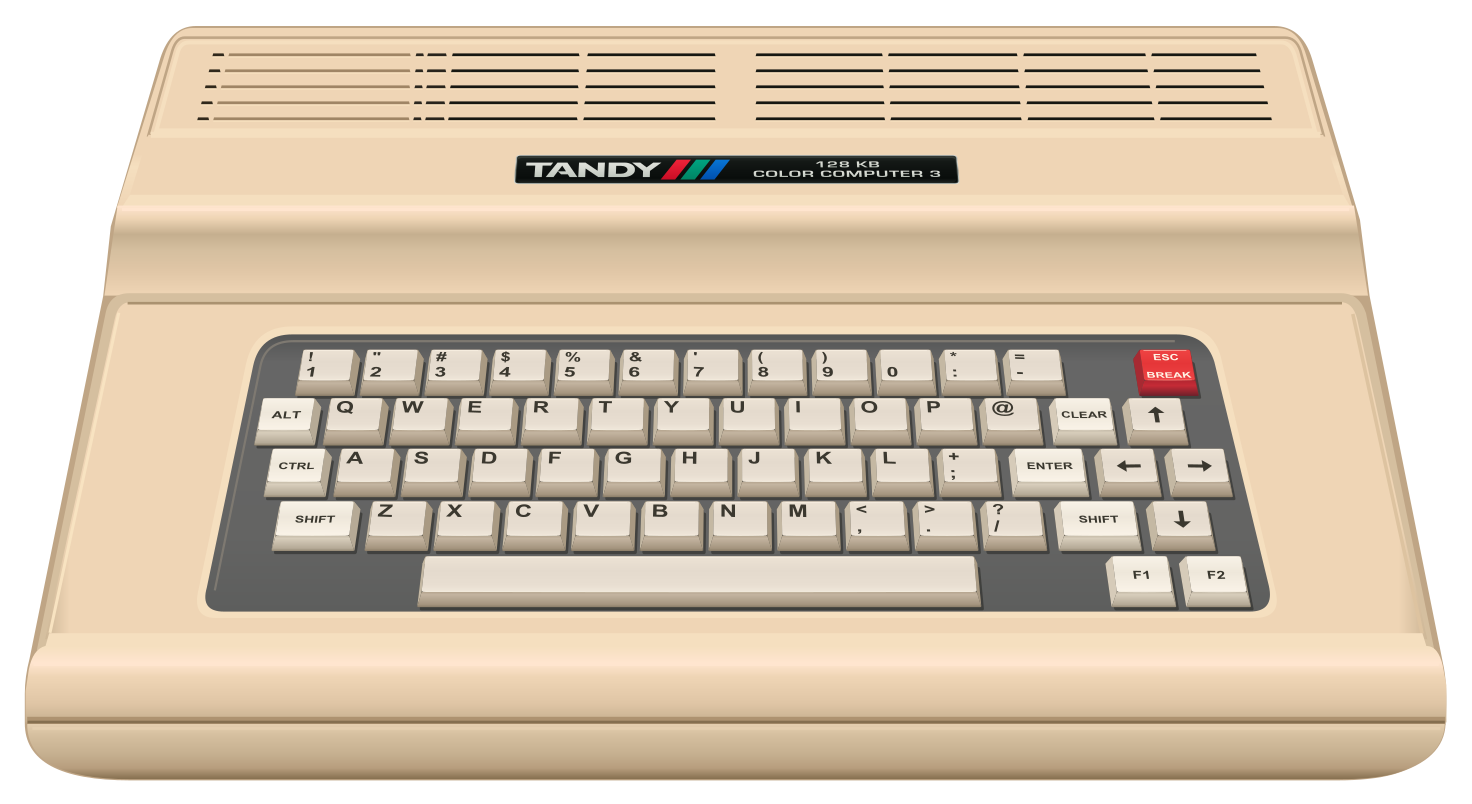
Meet Your Color Computer
Send a message from Moon Base, visit two planets, and make a quiz a friend can play. Bring your Mac and your curiosity.
The VCC Plus Manual Library
All twelve books, complete and searchable. Start with a first BASIC instruction, return to a familiar disk drive, or follow a byte through the processor.
VCC Plus 3.7.1 · The same manuals included with the app
All twelve books are also available as complete, printable PDFs. Choose a book below.
Download all twelve manuals (PDF · 702 pages · approximately 30 MB)
Search stays inside the manual library. Search the whole website instead →
Read a little. Try a little.
Read on any screen. Download source files and complete practice projects, then open them in VCC Plus. The app’s reader keeps these lessons beside your working CoCo.
Book 1Send a message from Moon Base, visit two planets, and make a quiz a friend can play. Bring your Mac and your curiosity.
 Book 2
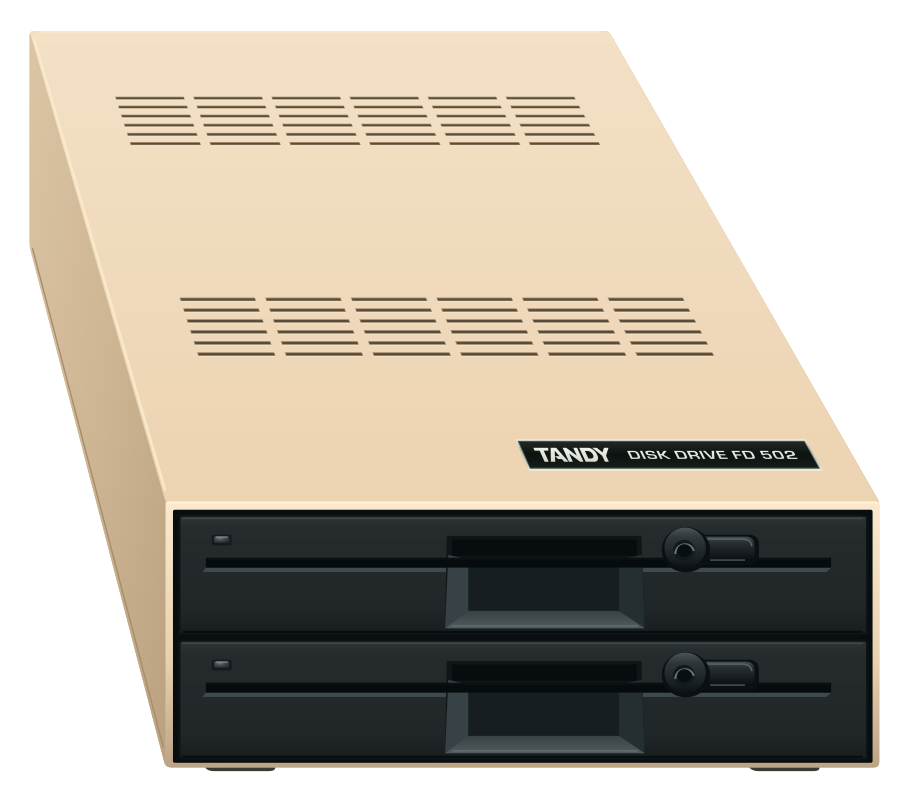
Put a disk in drive zero. Find your way around a Multi-Pak. See a familiar picture change when you switch monitors. Your old CoCo habits have a place on this Mac.
 Book 3
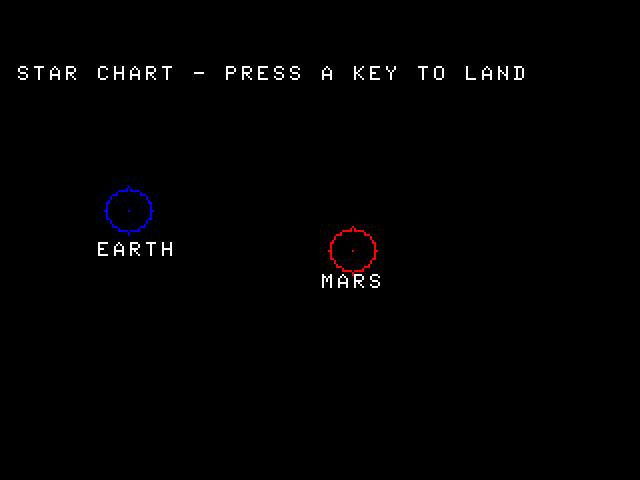
Earth or Mars? Build a flight deck, hunt down a supply leak, and leave a log that the next crew can read after you shut down the CoCo.
 Book 4
Find the key your game is waiting for, read the lights on a disk drive, or bring a favorite setup back. Start with the question you have while the CoCo is running.
 Book 5
Put one line of BASIC on a floppy. Carry the disk to an SD card. Record it on tape. Then change one copy and prove that the original still works.
 Book 6
Give Mars a key. Count meals for two planets. Then put a program and its supplies on a floppy someone else can run. Along the way, stop the processor and see exactly what your C code handed it.
 Book 7
A key goes down. A letter lights up. Stop the CoCo between those two moments and see what happens, one instruction at a time.
 Book 8
Leave a captain’s log on a disk, start a fresh session, and find your message again. Meet the shell, follow a path through directories, and discover which computer is listening.
 Book 9
A receiver reports three letters. Follow them through the processor, the stack and RAM. Then make the receiver fail on purpose and prove where it took the other branch.
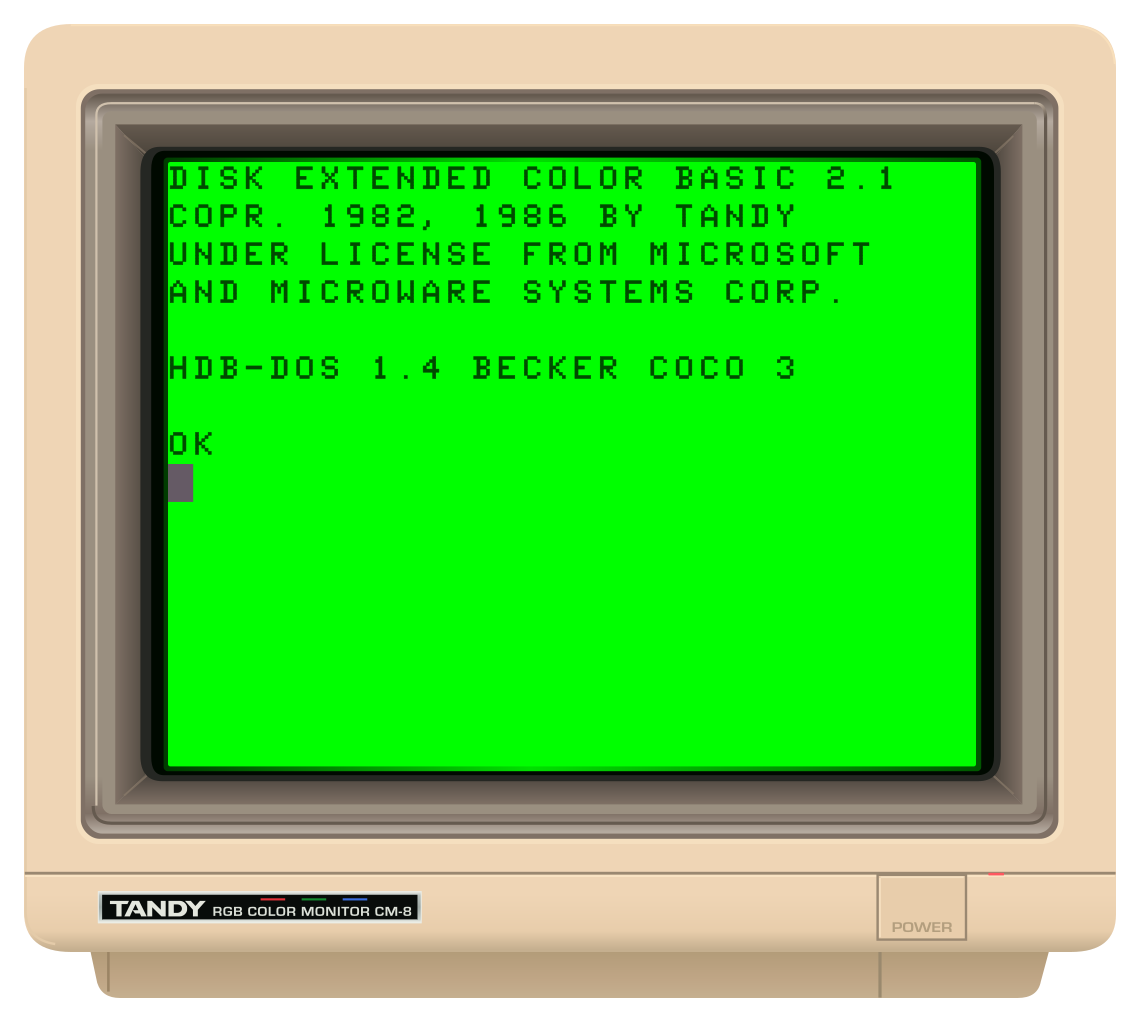 Book 10
A house is on the screen. Your program just drew a beacon. Where did the dot go? Catch the machine between instructions, find the missing pixel in RAM, and show someone else how you know.
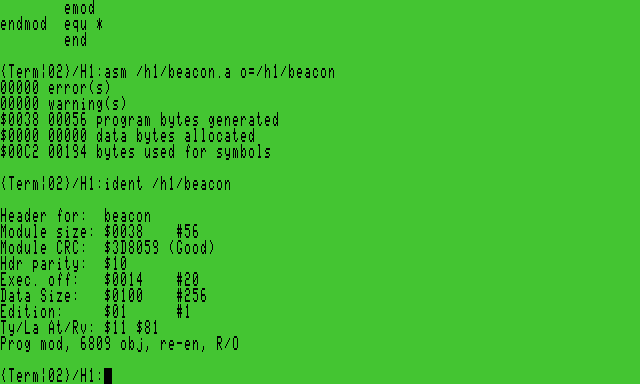 Book 11
Build a beacon station on your CoCo. Follow a report from a shell command through a process, a memory map and a device driver. Then write the program that sends it.
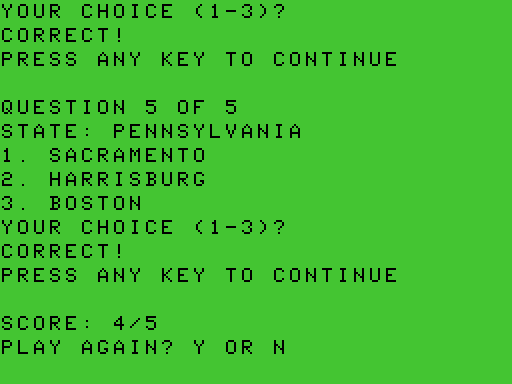 Book 12
A little Color Computer program can ask a surprisingly good question. Which planet would you like to visit? What is the capital of Kentucky? You can describe the game in ordinary words, ask ChatGPT to write a first draft, and watch a CoCo try it. The most interesting moment often comes when the CoCo does something neither of you expected.
A reference when you need one
The library also includes the original CMOC and LWTools manuals and versioned command-line help, retaining their authorship and notices.
Open the toolchain referencesThe application repository owns the manuscripts. This website presents a verified release snapshot. Edition and source identity.
Companion app guide
DriveWire has its own guide for hosting disks on your Mac and using them from a compatible physical Color Computer.
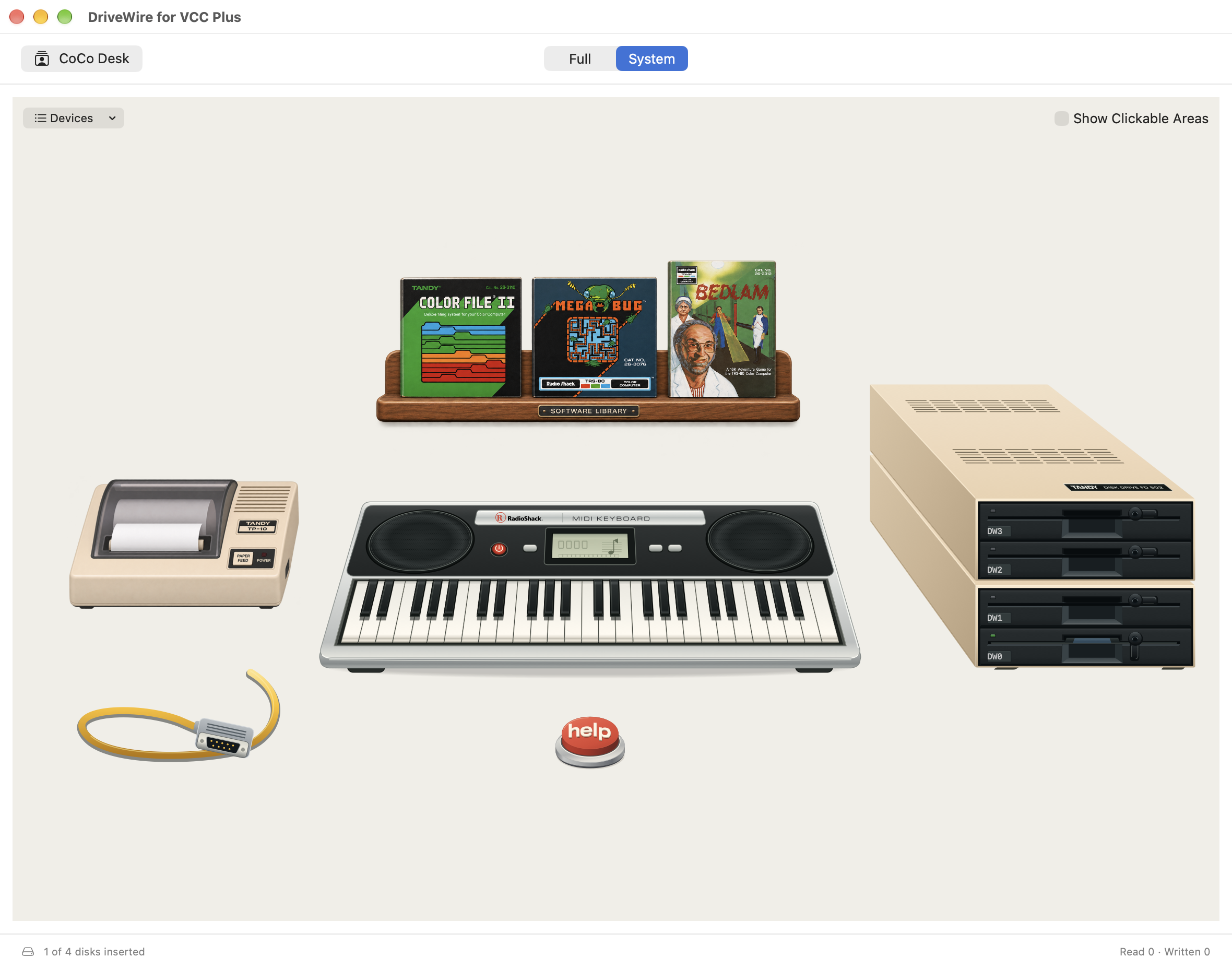
DriveWire for VCC Plus
Connect your CoCo, browse the Software Library and edit disk images
A separate companion guide, with its own PDF. The twelve-book Manual Library collection remains separate.