
Chapter 12 of 12
Fly, land, power down, remember
Today’s crew gets six supplies and a question. Tomorrow’s crew gets a disk. Your job is to leave enough information on that disk for someone who never saw your screen to say where the ship went.
Make the handoff
- Start in Disk BASIC with a disposable, initialized writable disk in FD0. Use the Mac filename and the Saves automatically status to identify the disk. It is fine to use your own working VOYAGE export. Keep an original copy elsewhere.
- Open VOYAGE.bas and run it. Click the display. Try entering X first. The crew should ask again. Choose 1, press Return, and watch the turn counts before the Earth chart appears. Tap A to land. Wait for LOG SAVED FOR EARTH.
- Open LOGBOOK.bas and run it. EARTH with 4 supplies makes a useful first receipt. On paper, predict the destination and count the next crew will read if you fly to Mars instead.
- Run VOYAGE again. Enter 2 for Mars and press Return. When the landing chart appears, tap A. Wait for LOG SAVED FOR MARS and for the Mac disk save to finish.
- Restart the CoCo from the emulator controls. Check FD0 afterward. If you set up a fresh machine for the second crew, mount that same working disk in FD0. The reader only needs to read this time; a protected copy works.
- From BASIC Development, open LOGBOOK and choose its Run button to load that reader into the newly started machine. Compare the 80-column report with your prediction.
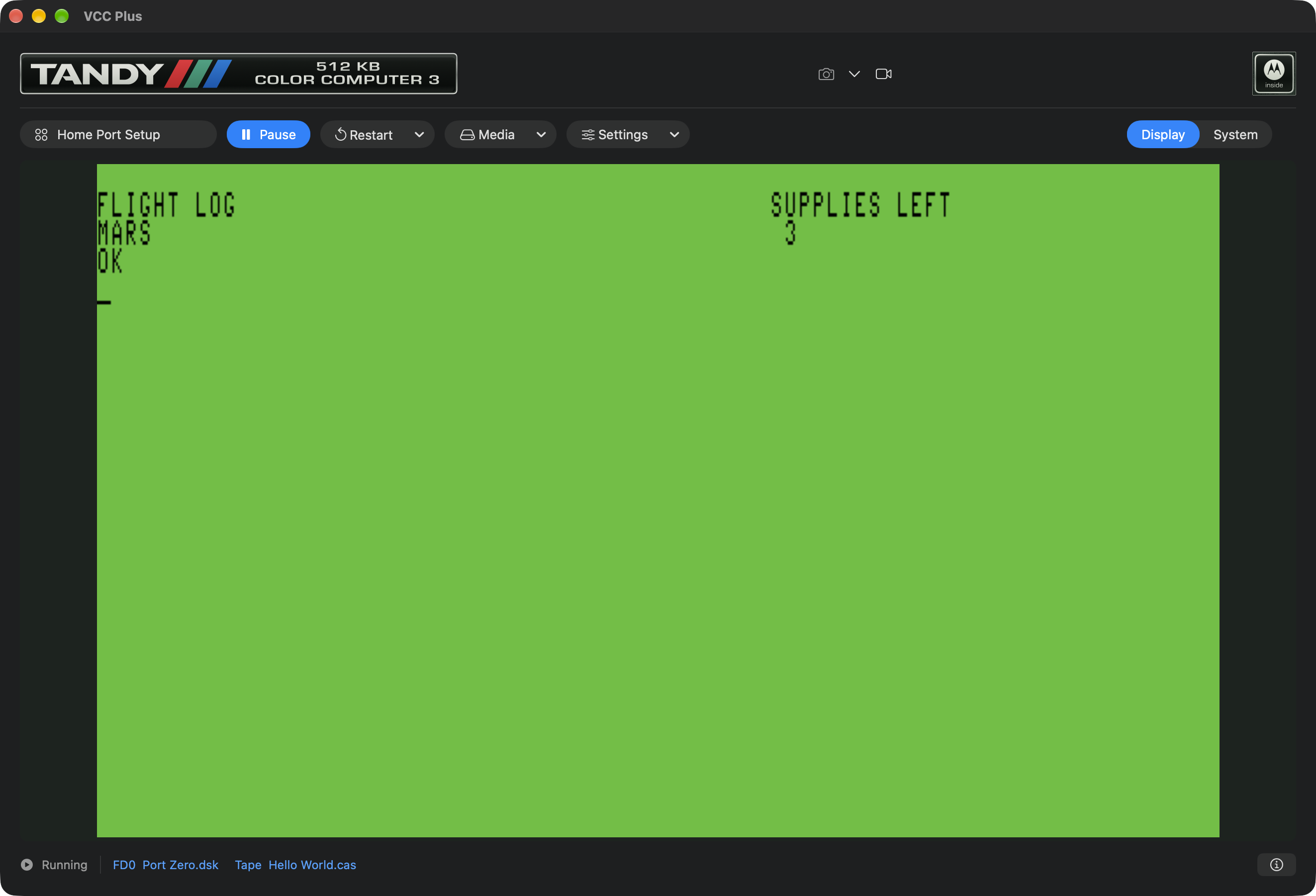
Why three? In the flight listing, D is 1 for Earth and 2 for Mars. The loop runs through D+1 turns. Earth takes two supplies out of six. Mars takes three. The report has a destination name as well as a number, because a plain 3 could mean almost anything to a crew that missed the trip.
Reconstruct the last trip
Give the second crew the report and this set of questions. Let them try answering before opening the source.
- Where did the pilot’s keystroke go? Line 40 of VOYAGE puts the reply in C$. Lines 50 and 60 choose a destination index. The pilot can make a mistake and get another turn.
- What drew the landing site? The data table connects that index to a name and two coordinates. The routine at line 300 uses them to draw and label the selected planet. Pressing a landing key releases the wait and the routine returns.
- What survived the restart? The machine cleared its working values. The disk file still held the name and supply count because the writer closed the file and VCC Plus retained the working image. LOGBOOK opened that file and read two values into its own variables.
- Why is Earth missing? The next flight opened a file of the same name for output and replaced its contents. The program promises a last voyage. A history of many voyages would need a different filing decision.
Recover a lost flight
| What you see | First thing to check |
|---|---|
| An old planet appears on the report. | Compare the FD0 Mac filename with the copy used for the last landing. Check the route to drive zero if you changed BASIC profiles. |
| The program stops at the OPEN line with ?NE. | The reader looked for VOYAGE.DAT on the selected disk. Reattach the disk the writer used, or complete one flight on your working disk first. |
| The planet screen stays up. | Click the CoCo display and tap an ordinary character key. The program is waiting for permission to land. |
| The file never reaches the next crew’s Mac image. | Check write protection, save mode and any pending save error. Let the guest close its file, then finish saving the working image before ejecting it. |
For a short next project, show another person the left square in the hidden-page experiment. Ask them to guess whether the right square exists yet. You can now take them from a keypress to an instruction, from an instruction to RAM, and from RAM to the evidence on the screen. Start with whichever step makes them curious.