
Chapter 5 of 7
Put the beacon to the test
You have an explanation for the missing dot. Now use it to predict an outcome the screen can confirm. If $1E14 really supplies the beacon on the hidden page, you should be able to erase the dot, keep the surrounding rectangle, and leave the house on the monitor throughout.
Edit one byte and put it back
Start at BEACON's line-80 stop. Leave BASIC paused. If you are coming back to the book after a break, run the lab again so the same program owns this RAM. Before writing anything, check for the house on the monitor and the expected $EF byte on the hidden page.
- Choose Graphics Preview → At Address → Mapped CPU, enter 1A00, choose Go, and select PMODE 1, Set 0. Select pixel 81,32 and press Return. Choose Show Byte in Memory. Check the highlighted byte at $1E14.
- In Edit RAM at the bottom of the mapped Memory pane, enter 1E14 for the address and FF for the byte. Choose Write. In Graphics Preview, inspect the same hidden page. All four pixel codes in the byte now read 11. The dot takes on the surrounding background. The rectangle survives, and the house still fills the CoCo display.
- Choose Show Byte in Memory again. Enter 1E14 and EF in Edit RAM, then Write. Return to the hidden preview. The dot is back inside the rectangle. Leave EF in place so the program can show you the completed picture.
The edit controls live in Mapped CPU memory and require a paused machine. Physical RAM provides a second, read-only view. If you jump from a physical graphics preview into Memory, go back to the mapped preview before following step 1. Also check the address in Edit RAM itself. The Go field above the grid controls which bytes you can see.
Let the monitor read the other page
80 A$=INKEY$:IF A$="" THEN 80
90 SCREEN 1,0
100 A$=INKEY$:IF A$="" THEN 100
110 PMODE 1,1:SCREEN 1,0
120 A$=INKEY$:IF A$="" THEN 120
130 SCREEN 0,0:WIDTH 40:CLS
140 PRINT "BEACON CHECK COMPLETE"
150 END
While BASIC is still stopped at 80, click the gutter dots to remove both breakpoints. Choose Continue, then click the CoCo display to give the guest keyboard focus. Tap and release Space once per picture, waiting to see the change before tapping again.
| After this tap | BASIC executes | Look for |
|---|---|---|
| First | Line 90 selects the current drawing page for display. | The receiver and its dot replace the house. |
| Second | Line 110 selects page 1 and shows it. | The complete house returns. There is no second set of roof-drawing instructions. |
| Third | Line 130 restores text and selects 40 columns. | BEACON CHECK COMPLETE followed by OK. Enter PRINT 2 and press Return. BASIC answers 2. |
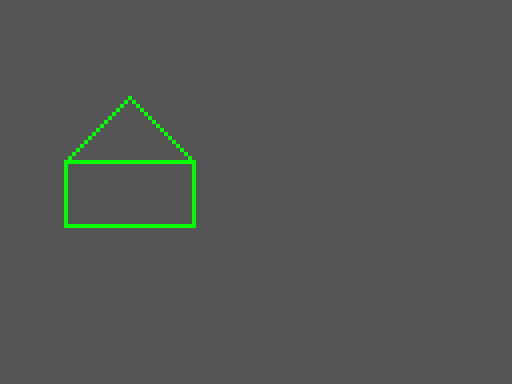
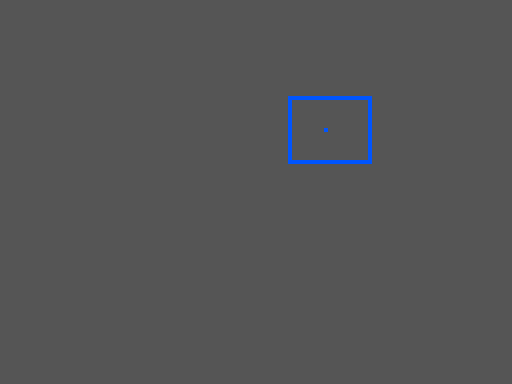
Each picture above is an actual capture of the emulator's active display. The receiver matches the debugger's earlier view of the hidden page. The program drew no new pixel between the first tap and this reveal. If the first tap appears to do nothing, check that BASIC is running and give the CoCo display focus again. Its INKEY$ loop waits there as long as it needs to.
Tell three kinds of picture change apart
Suppose someone reports, “The color on my screen changed.” Which observation would tell you how it changed?
| What changed | What you could measure |
|---|---|
| A pixel was drawn. | At lines 70 and 80, the hidden page's base stayed the same. One byte changed from $FF to $EF. |
| A different picture was displayed. | After the first tap, the current physical video base moved from $70E00 to $71A00. The dot was already in the second picture. |
| A palette slot was given a different color. | In the CoCo 3 assembly starter, the write to $FFB6 changes the color in GIME palette slot 6. Pixels or text cells that already select that slot can change appearance together. |
For the third case, follow the Earth or Mars palette write. You can stop at the store and compare the register with the selected palette slot, just as you compared a register with a RAM byte at the start of this book. For a CoCo 3 graphics example that sets its palette from BASIC, see Star Chart.