Keep a flight with one drive
Use the drive number on each request. Keep working with the same writable boot disk so the saved flight will be there on your next cold start.
Fresh four-disk Release with only FD0 in use. Practice selected World 6. The eight short excerpts retain their original guest-field timing; cuts skip disk loading and menu navigation. The captured CoCo speaker remains quiet throughout these menu and recovery excerpts. The pilot returned to the same floor position on both loads.
What happens on screen
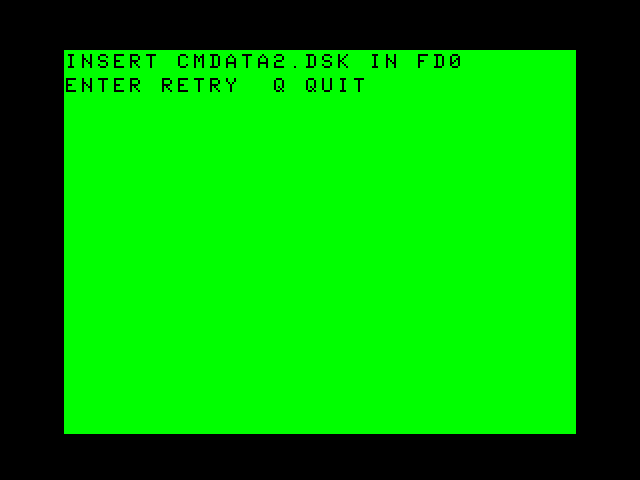
- Insert the requested CMDATA2.DSK in FD0, then press Enter to retry. Find a landmark and press Enter to pause.
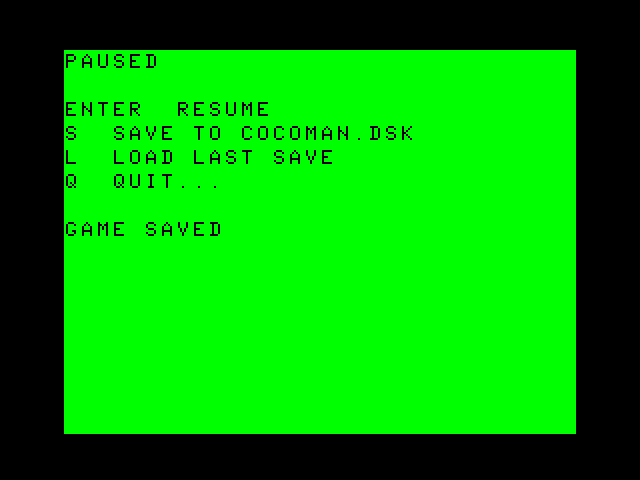
- Press S and return the same writable COCOMAN.DSK to FD0. Press Enter, then wait for GAME SAVED.
- Resume and move away from the landmark. Pause and press L. The pilot returns to the saved spot.
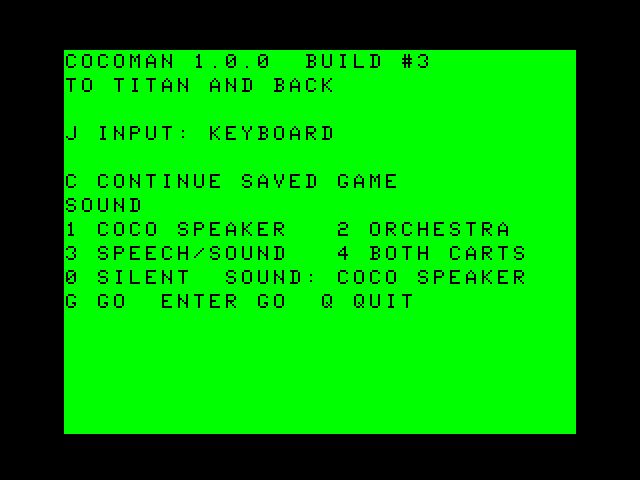
- After a fresh DOS boot, press C at setup. Return CMDATA2.DSK when prompted. The flight resumes at the same landmark.
Frame by frame
Open the disk and save guide for the full sequence and cancellation keys.